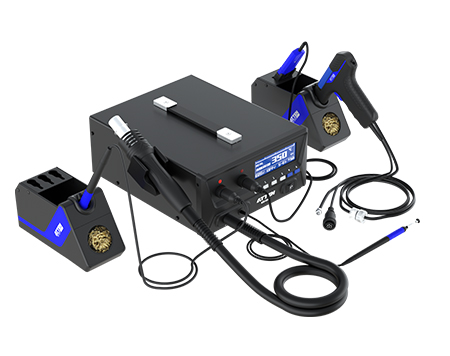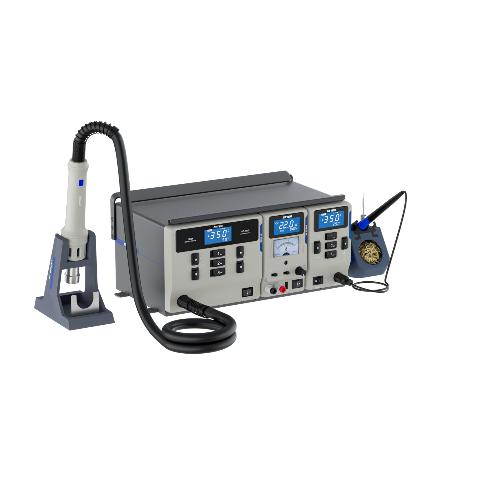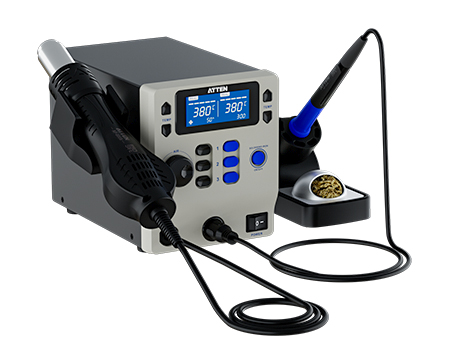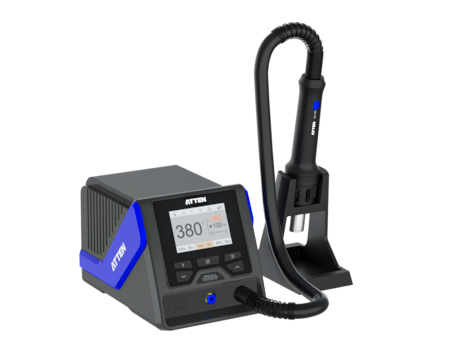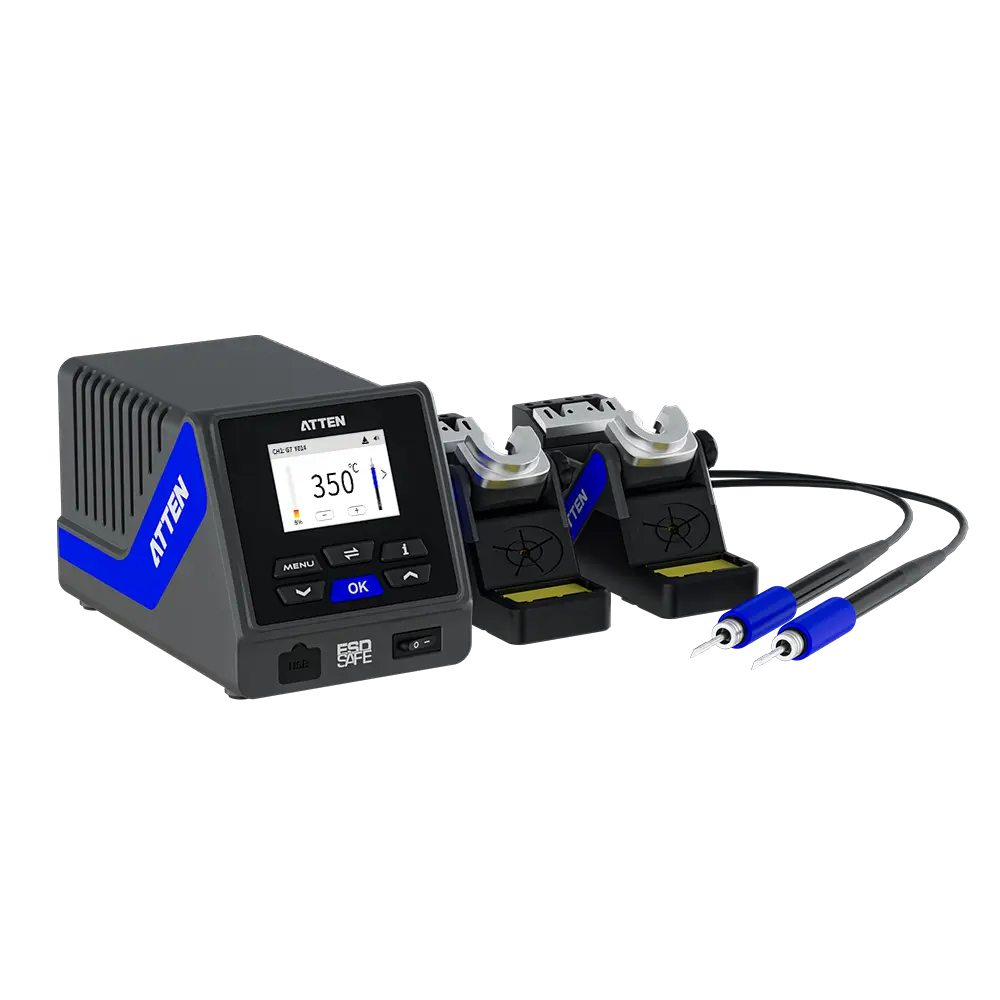
Introduction: An electronics lab bench often supports prototyping, SMT rework, and precision repair on the same day, so the right intelligent soldering station is the one configured around the task mix the bench actually handles.
Lab benches rarely do one job, so the right intelligent soldering station depends on which soldering tasks dominate your bench. A hardware lab buys one bench and asks it to do three jobs: prototype new boards, rework fine-pitch SMT parts, and revive failed assemblies. Those tasks push the iron in different directions. A setup that feels perfect for hand-soldering a through-hole header can feel clumsy on a dense board with tight pad spacing. The useful question is not which station ranks highest in general, but which configuration matches the mix of work your bench actually sees. Start with task density, then thermal behavior, then the hardware and grounding that make the bench repeatable.
A lab bench is a shared resource, not a dedicated cell. The same station might solder a 2.54 mm through-hole header before lunch and touch up a fine-pitch component an hour later. An intelligent soldering station earns its place by delivering controlled heat into very different thermal loads without forcing the operator to relearn the tool each time. That requirement differs from a production line, where one board type repeats thousands of times and the process can be tuned once. Three things decide whether a bench-grade station works: how it recovers heat after each joint, how the tip meets the pad, and how the bench manages static. Heat recovery is the quiet one. Solder flows only when the joint itself reaches working temperature, and a tip that dumps heat into a ground plane faster than the station can replace it forces longer dwell times. Those longer dwell times are where lifted pads and stressed components come from. Stable tip contact is the other half of the same idea: heat reaches the pad through the contact area, so tip geometry matters as much as the station behind it.
Prototyping is where thermal demand swings the most. One minute the bench is on a thick copper pour that pulls heat away; the next it is on a thin signal trace that heats almost instantly. Repeatable thermal control means the station senses the load, responds, and settles back to the set point so the engineer gets the same result on the third joint as on the first. When that loop is weak, engineers compensate by hand: longer dwell time, more pressure on the tip, or a higher dial setting. All three habits shorten tip life and raise the odds of a damaged pad. A station positioned for engineers, running a consistent profile, lets the person focus on the joint instead of chasing the temperature.
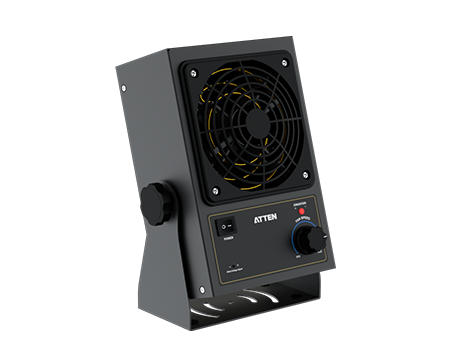
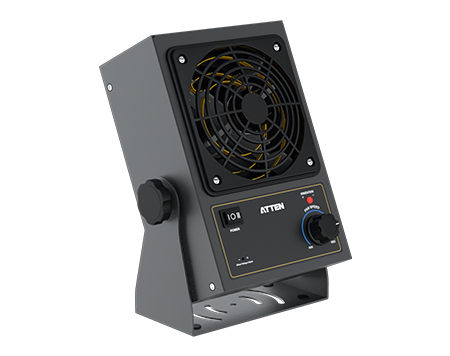
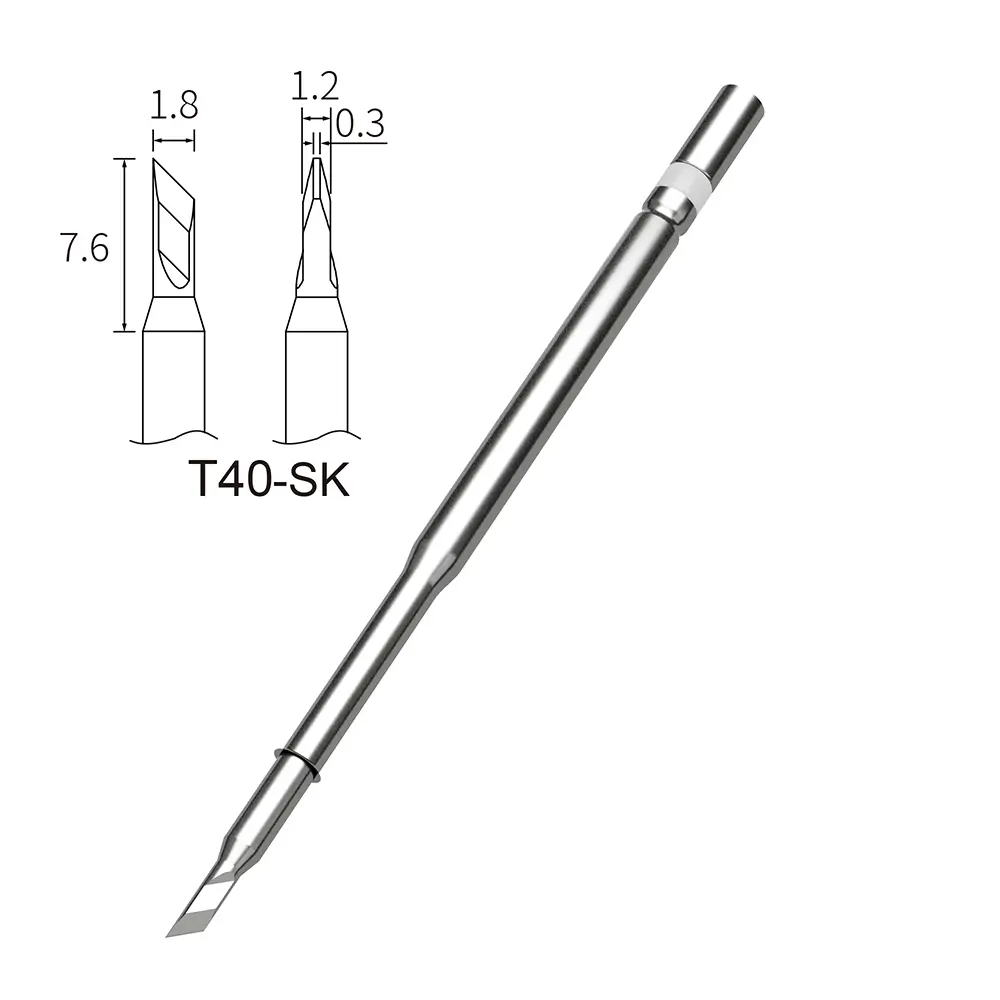
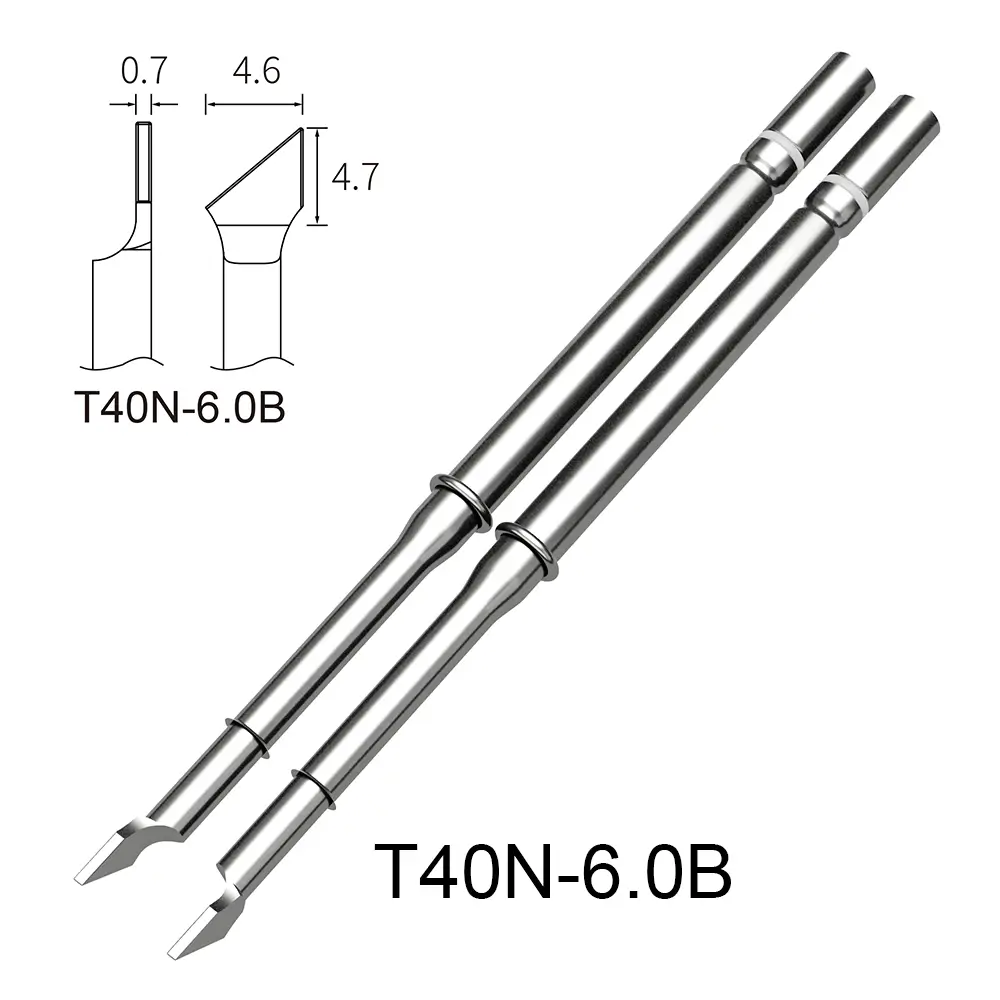
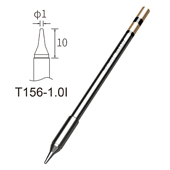
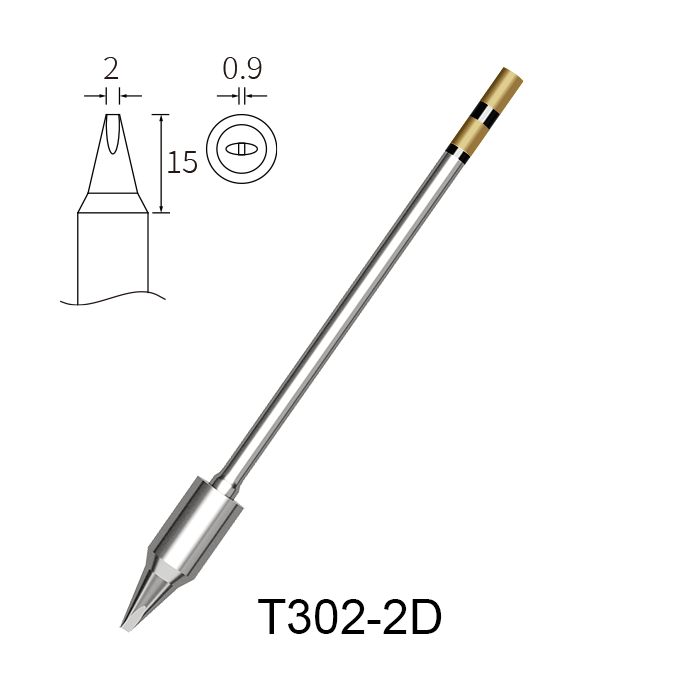
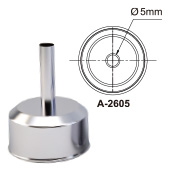
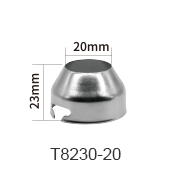
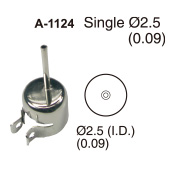
Rework rewards geometry and grounding. On a fine-pitch board, the tip has to reach one pad without disturbing its neighbors. That is a tip-shape problem as much as a power problem. Keeping several tip geometries available, from a narrow point to a wider chisel for larger tabs, lets one bench cover both without swapping stations. Grounding is the other half. Sensitive semiconductor junctions and gate oxides can be damaged by static built up on a technician's body, a rolling chair, or a tool. A dedicated grounding wire on the station gives that charge a controlled path away from the board. Standard lab practice also calls for ventilation and sensible electrical setup at the bench, which is worth building into the workstation layout rather than adding later.
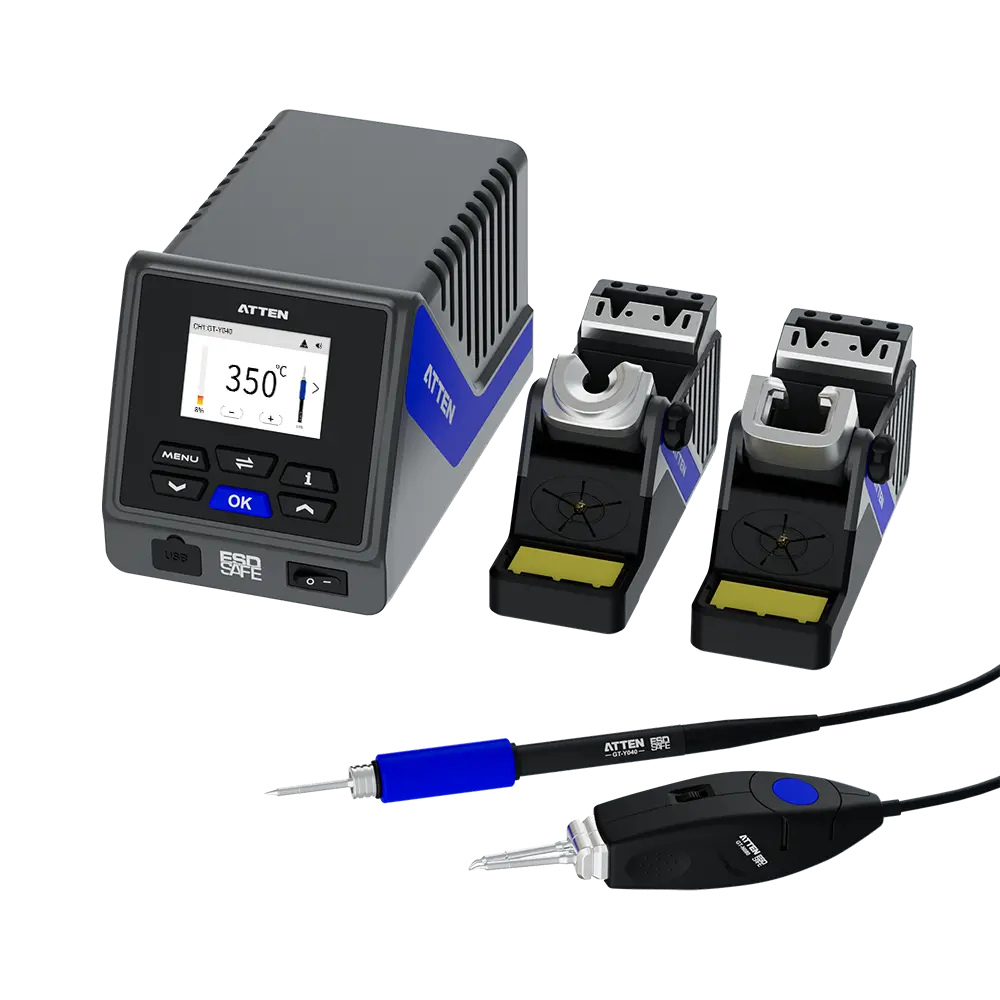
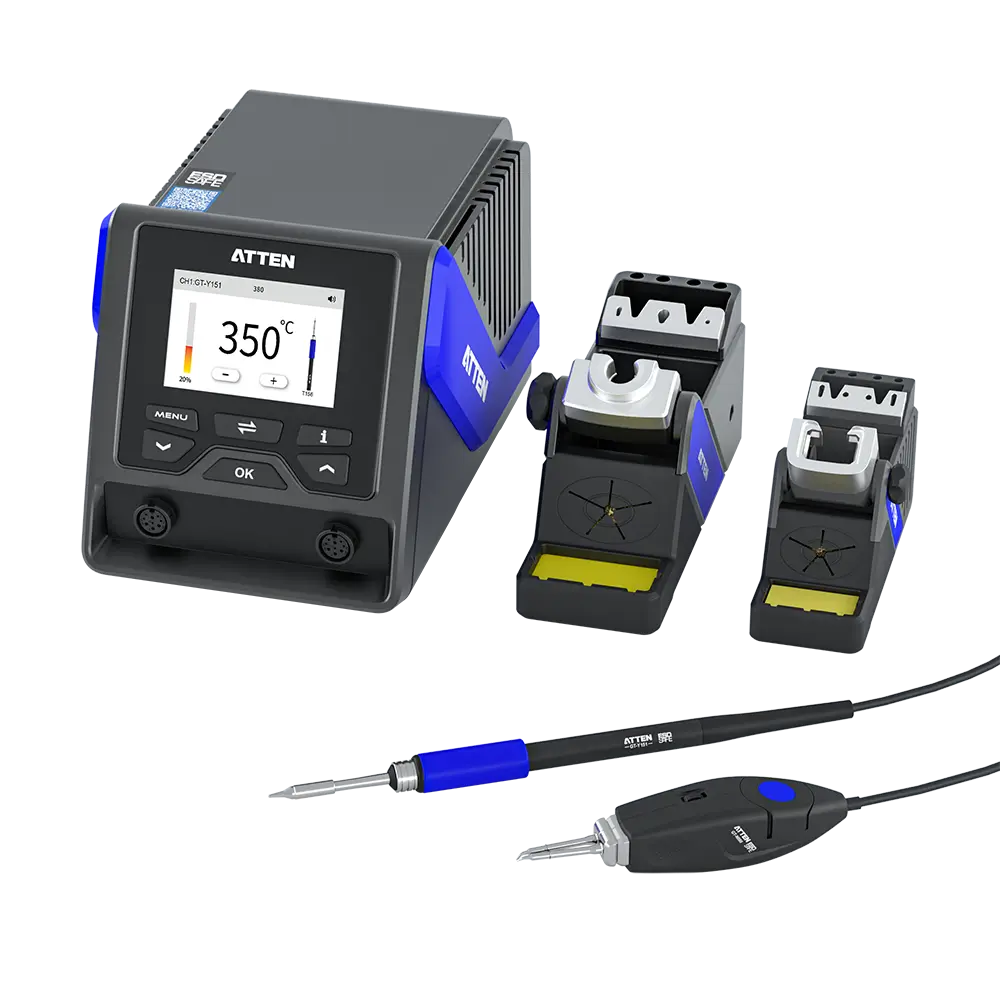
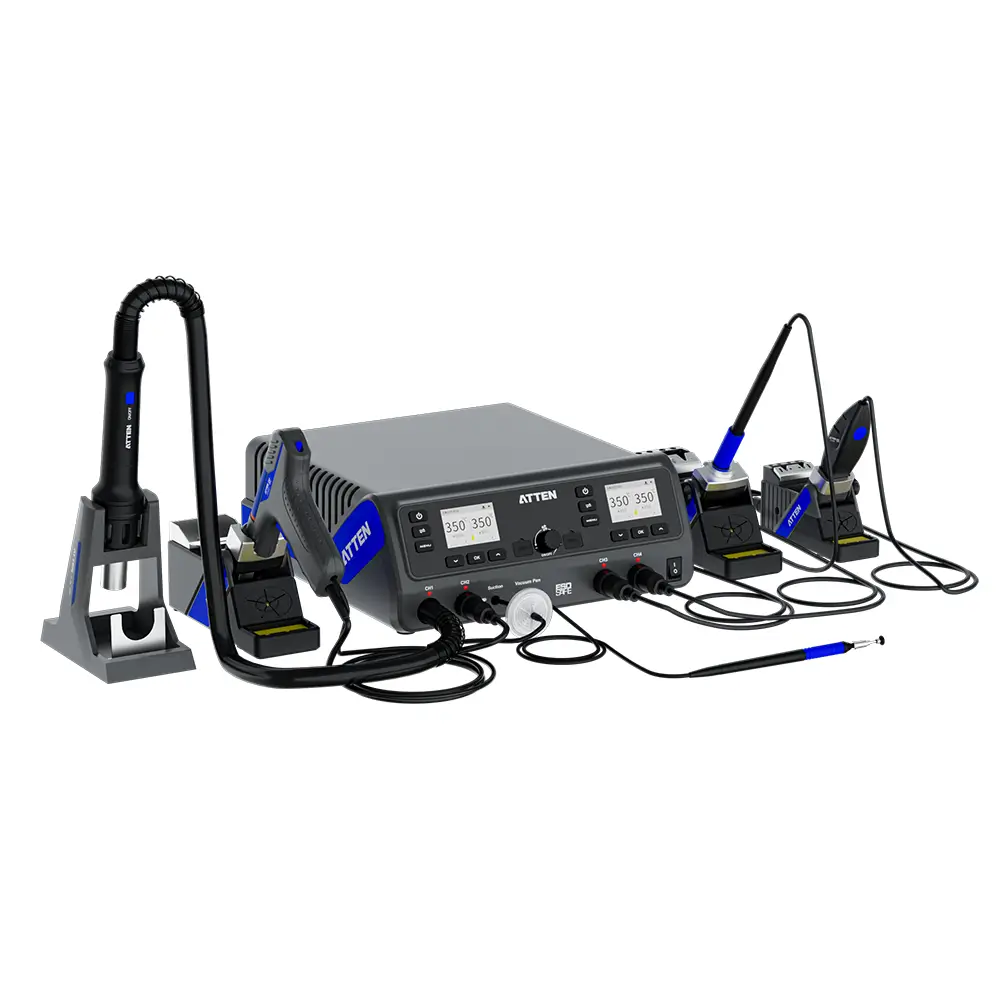
Configuration should follow task density. Ask how many different component types land on a typical board, how many people share the bench in a week, how often rework happens, and whether anyone needs to connect the station to a PC. A prototyping bench sees few boards but a wide variety of parts, so quick tip changes and a broad tip range matter more than raw throughput. An SMT rework bench sees small geometry and hidden thermal mass, where the heat path runs through the board and sometimes benefits from preheating rather than from a bigger iron. A repair bench sees unknown history: oxidized joints, mixed solder alloys, and assemblies that may have been reworked before. That bench needs patience and control more than speed. Bench sharing pushes the configuration further. When two engineers, or an engineer and a repair technician, use the same station on the same day, the station has to support two working positions without constant re-cabling. Two iron stand connection cables in the standard package point to exactly that setup, letting a bench hold two iron positions or two stand locations. One operator can keep a fine tip live while another uses a heavier tip. A single-operator bench running one board type per week needs less. A shared bench that jumps between prototyping, rework, and repair needs more.
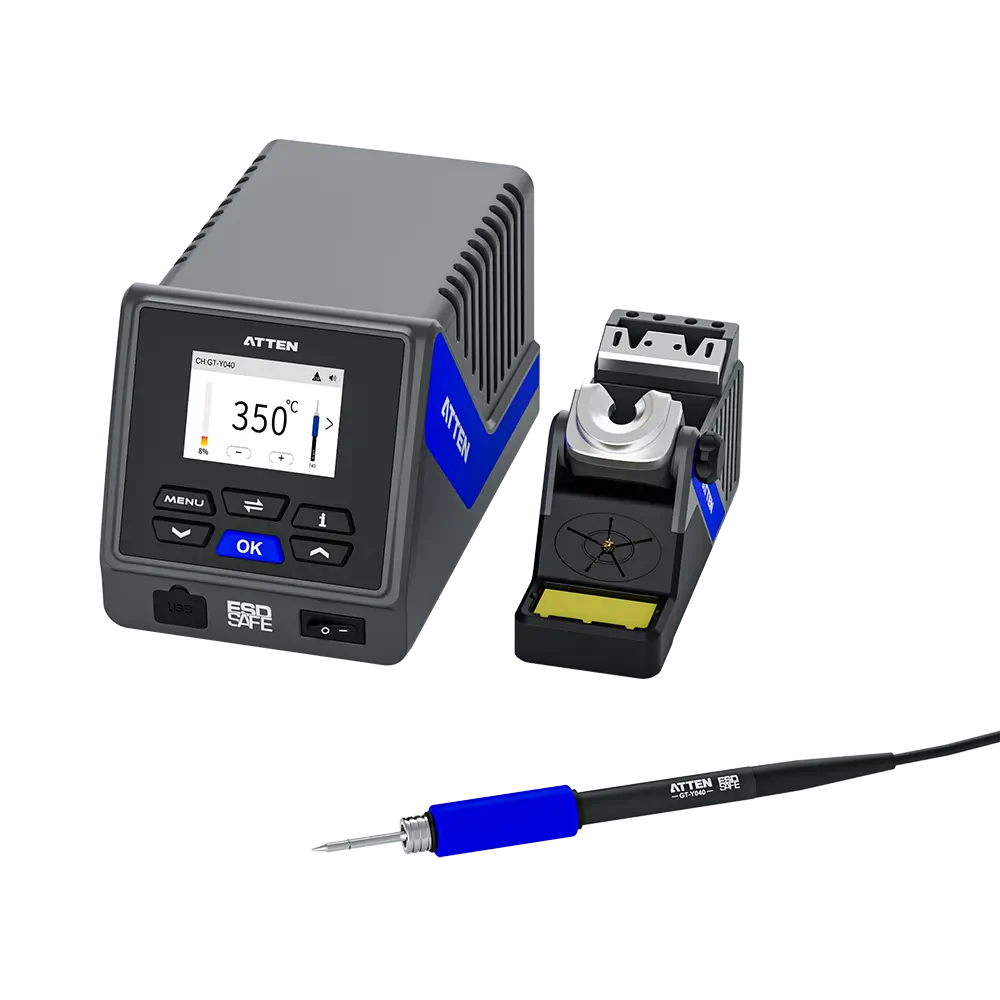
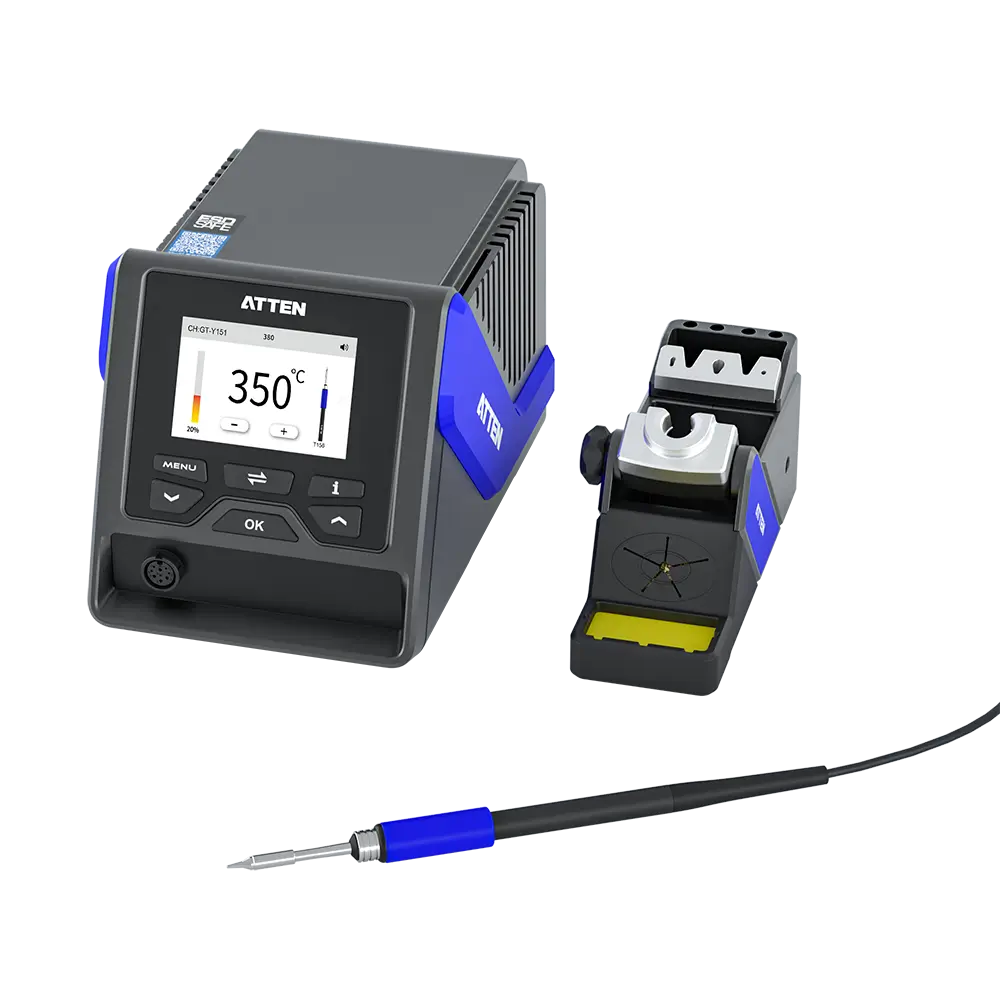
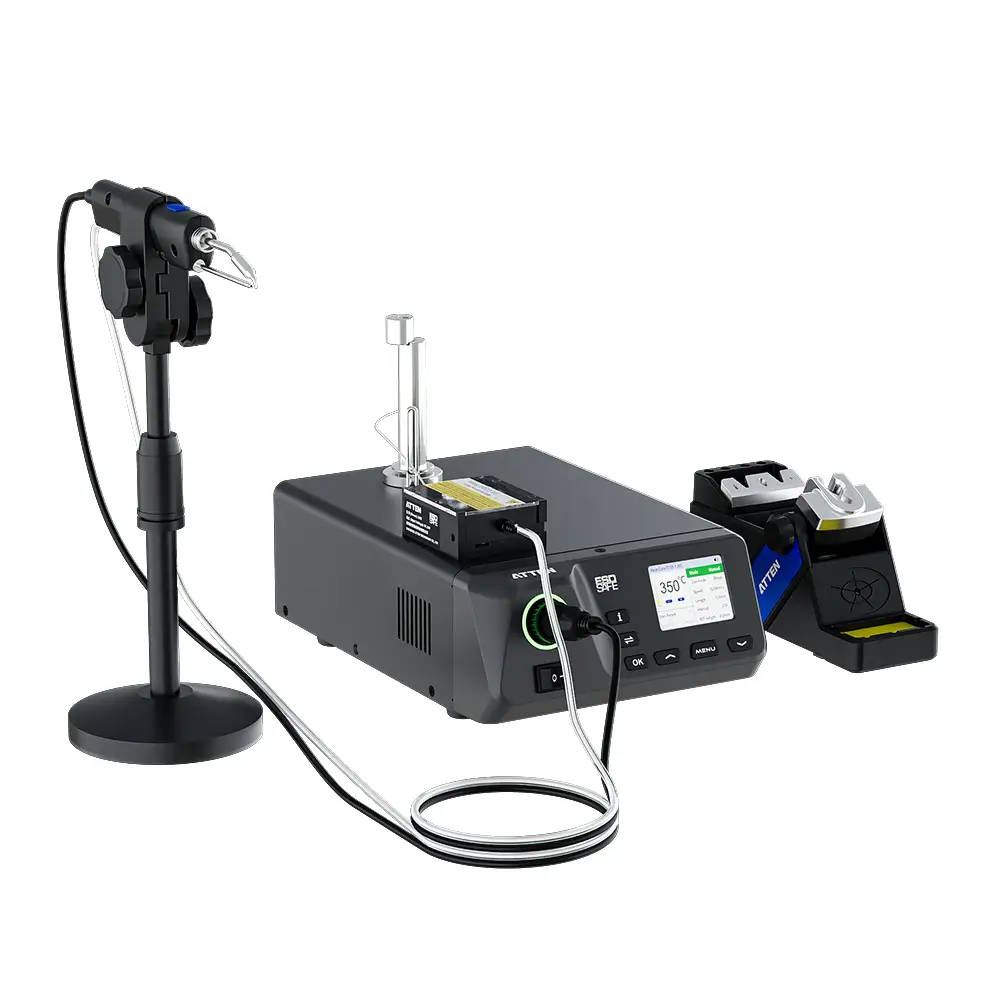
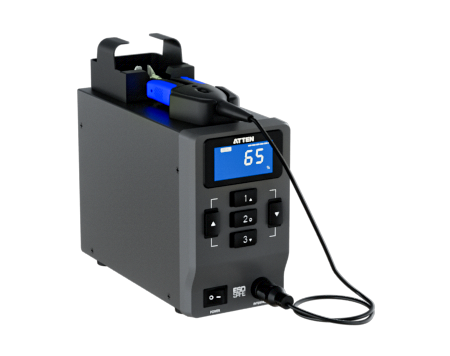
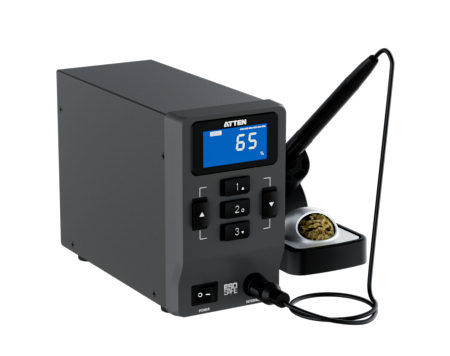
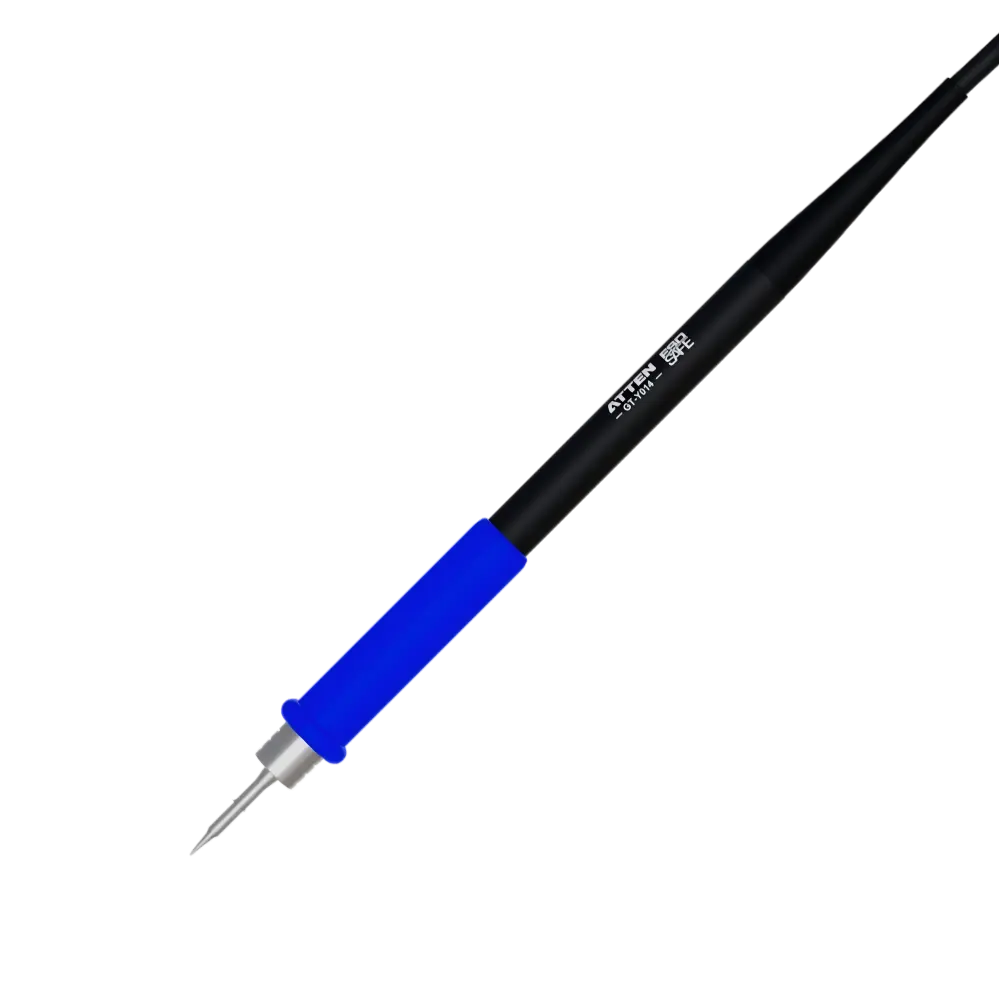
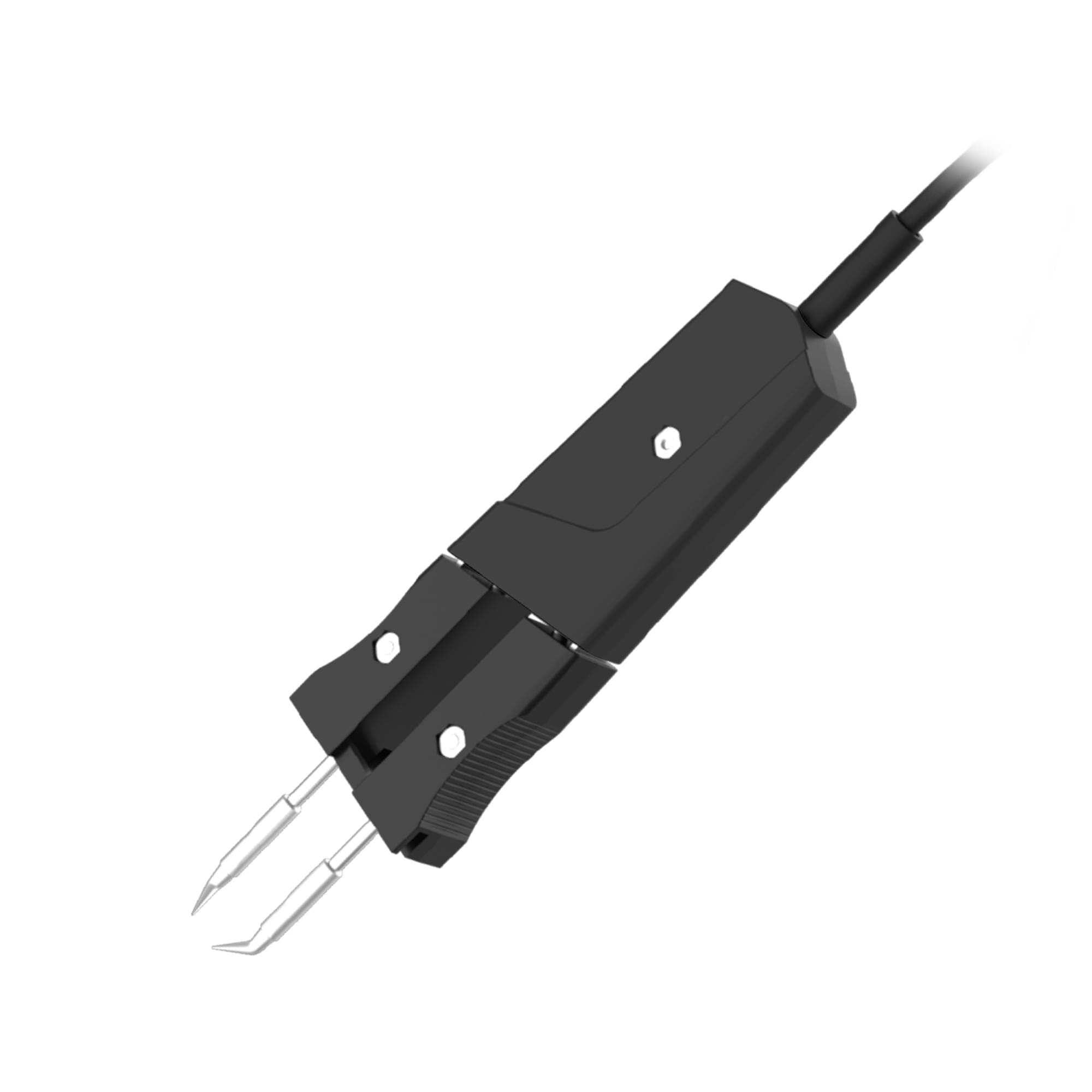
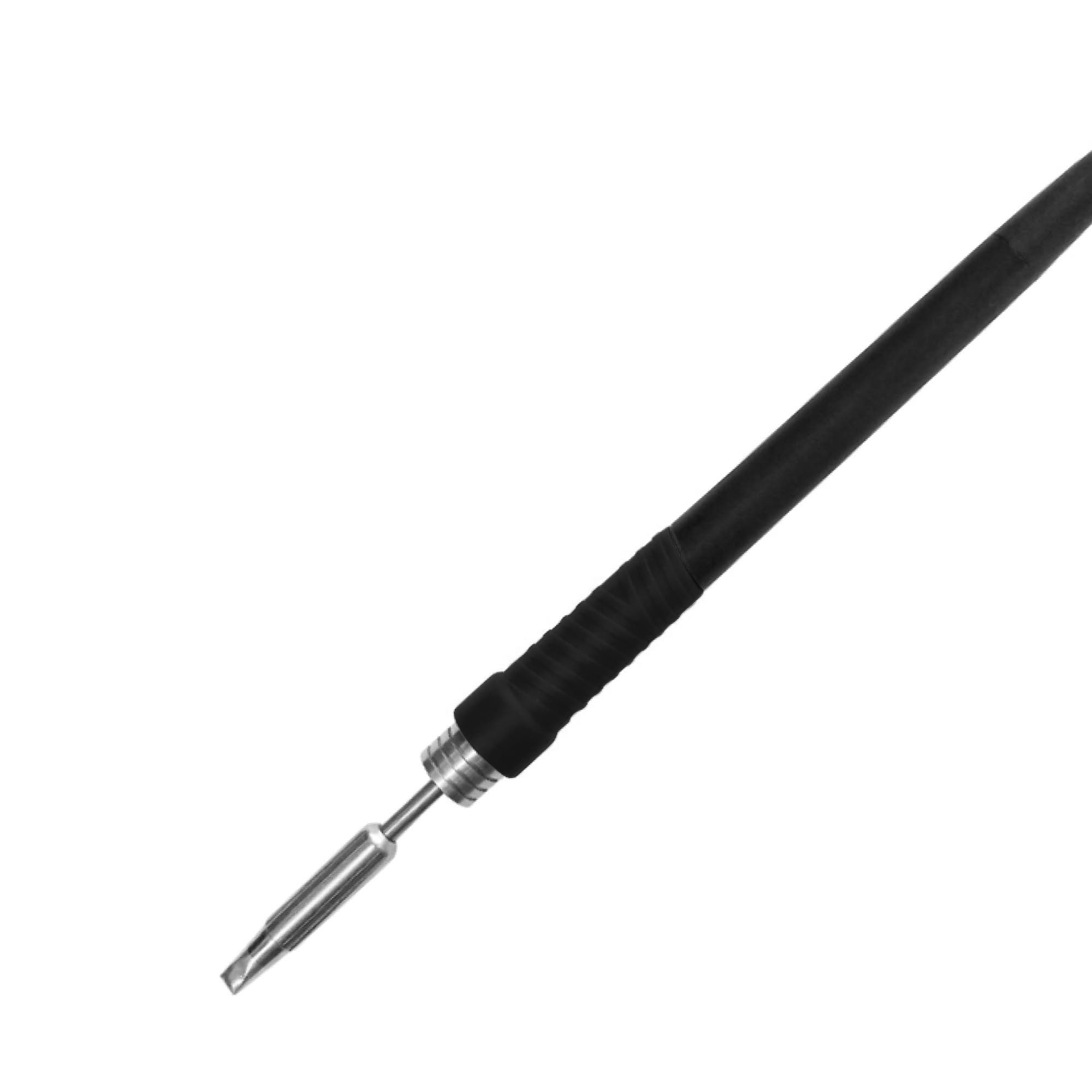
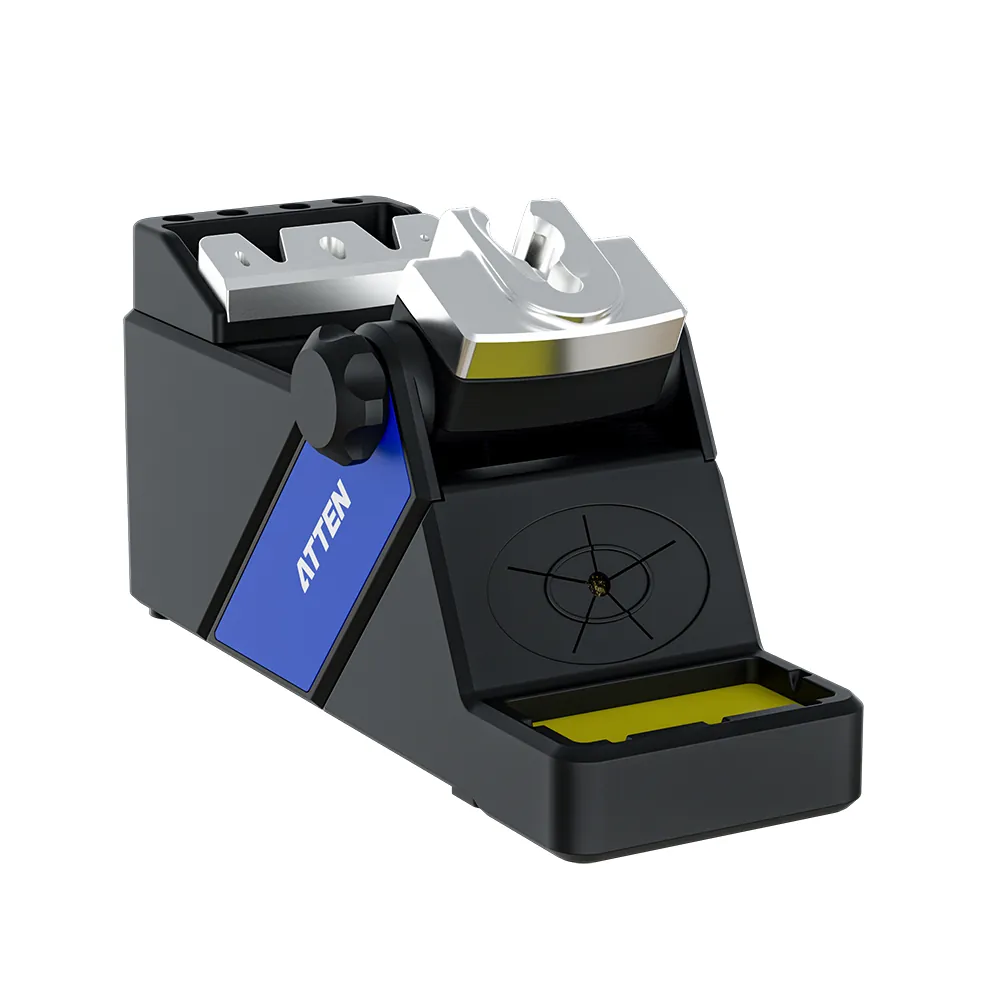
The ATTEN GT-6120 is an intelligent soldering station positioned for engineers, and its configuration maps cleanly onto those lab tasks. It ships with a USB 2.0 port, a grounding wire, and two iron stand connection cables. It works with the T40, T40N, and T14 tip series and with GT-Y series handles, and it is supported by official software in the GT-6120 APP V1.8 and Atten Tool V2.4. That combination answers practical questions: which tips you can standardize on, what handle options exist, and how the bench grounds. It also identifies the official software references for PC connection. ATTEN develops this platform with its own accessory and software ecosystem, which keeps tip, handle, and stand sourcing in one place. Matching it to tasks is straightforward. For prototyping, the tip range covers both heavy copper and fine signal work on the same station. For SMT rework, the fine end of the T40 and T14 ranges handles tight pad spacing while the station keeps thermal control stable. For repair work, the compatibility list makes it easy to keep several tip geometries on hand, so a technician can match the tip to the joint instead of the other way around. The same platform uses the official software, so a lab that wants PC-based setup has that option. The standard package includes the main unit, the power cord, the grounding wire, two iron stand connection cables, a USB 2.0 data cable, a certificate, and the manual. Confirm with your supplier which handle and which tip series you want bundled with each bench. Tip and handle selection is where two labs with the same station end up with very different capabilities. ATTEN backs the platform with a five-year warranty, which matters when a lab bench is expected to run for years.
The right intelligent soldering station for a lab bench comes from the work, not from a parameter list. Count how many task types share the bench, how often it switches between prototyping, SMT rework, and repair, and how many people use it. Then turn that into requirements: the tip series you need, the handle and stand arrangement, the grounding path, and whether PC software belongs in your process. Bring those requirements to your soldering station supplier and ask about configuration options, sample units, tip and handle bundling, warranty terms, and lead time, so the station you buy matches the bench you actually run.
A:Start with task density. If the bench handles both heavy copper and fine signal work, prioritize repeatable thermal control and a wide tip range so one station covers both without dial-twisting. Check that tips and handles swap quickly, that the bench has a grounding path, and that the station supports the tip series your team already keeps in stock.
A:For most labs, yes. SMT rework concentrates heat in a small area, and repair work brings oxidized joints and unknown board history. A high precision soldering station gives the operator control over where the heat goes and how much arrives, which reduces pad damage and repeat rework. If a bench only solders large through-hole parts, a simpler station can be enough.
A:Grounding decides whether static finds a safe path to earth or travels through a component. Look for a station with a dedicated grounding wire, then plan the bench so the iron, mat, and operator wrist strap share a common ground reference. On benches working with static-sensitive parts, treat that grounding connection as a selection requirement rather than an accessory added later.
How to Solder: Through-Hole Soldering - SparkFun Learn
Workmanship Standard for Crimping, Interconnecting Cables, Harnesses, and Wiring
Publications | Office of Environment, Health & Safety
GT-6120 Intelligent Soldering Station

Copyright © 2025 SHENZHEN ATTEN TECHNOLOGY CO., LTD All Reserved.